
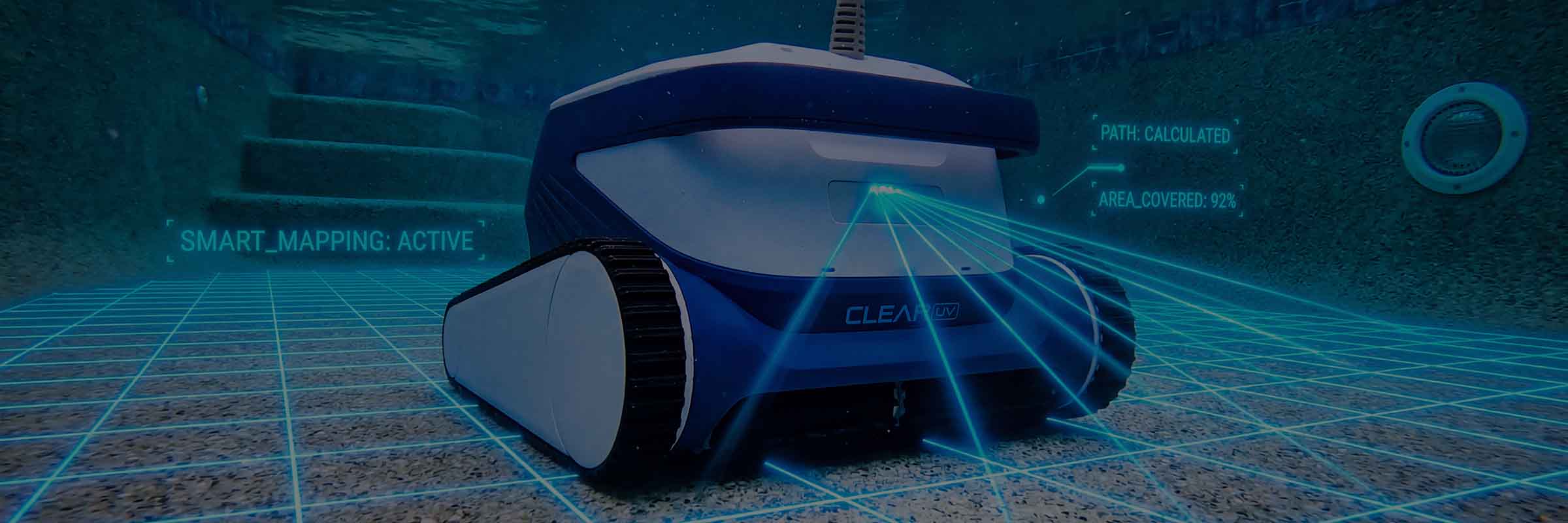
App
Your pool.
Right in your hand.
Schedule from anywhere. Drive from the deck. Choose from six cleaning modes and see live pool temperature. Free for iOS and Android. Pair in under a minute.


Everything you need to run Clear.
Set a weekly schedule. Start an extra cycle after a storm. Drive manually with the on-screen joystick. Switch between six cleaning modes. Read live water temperature. No subscription. No ads.
Four controls. Right where you need them.
A focused app for scheduling, cleaning modes, manual control, and water temperature.
Weekly schedule
Pick the days and times. The robot starts on its own — 2–3 cycles per week is typical for most pools.
Six cleaning modes
Regular (2 hr), Ultra (3 hr), Fast (1 hr), Floor only, Waterline only, or Custom. Pick what your pool needs.
Manual joystick drive
Sign in to your Clear account, then steer the robot to a specific area with the on-screen joystick.
Live water temperature
Live pool temperature from the onboard sensor. Check it before you step in.
Brings itself to the wall.
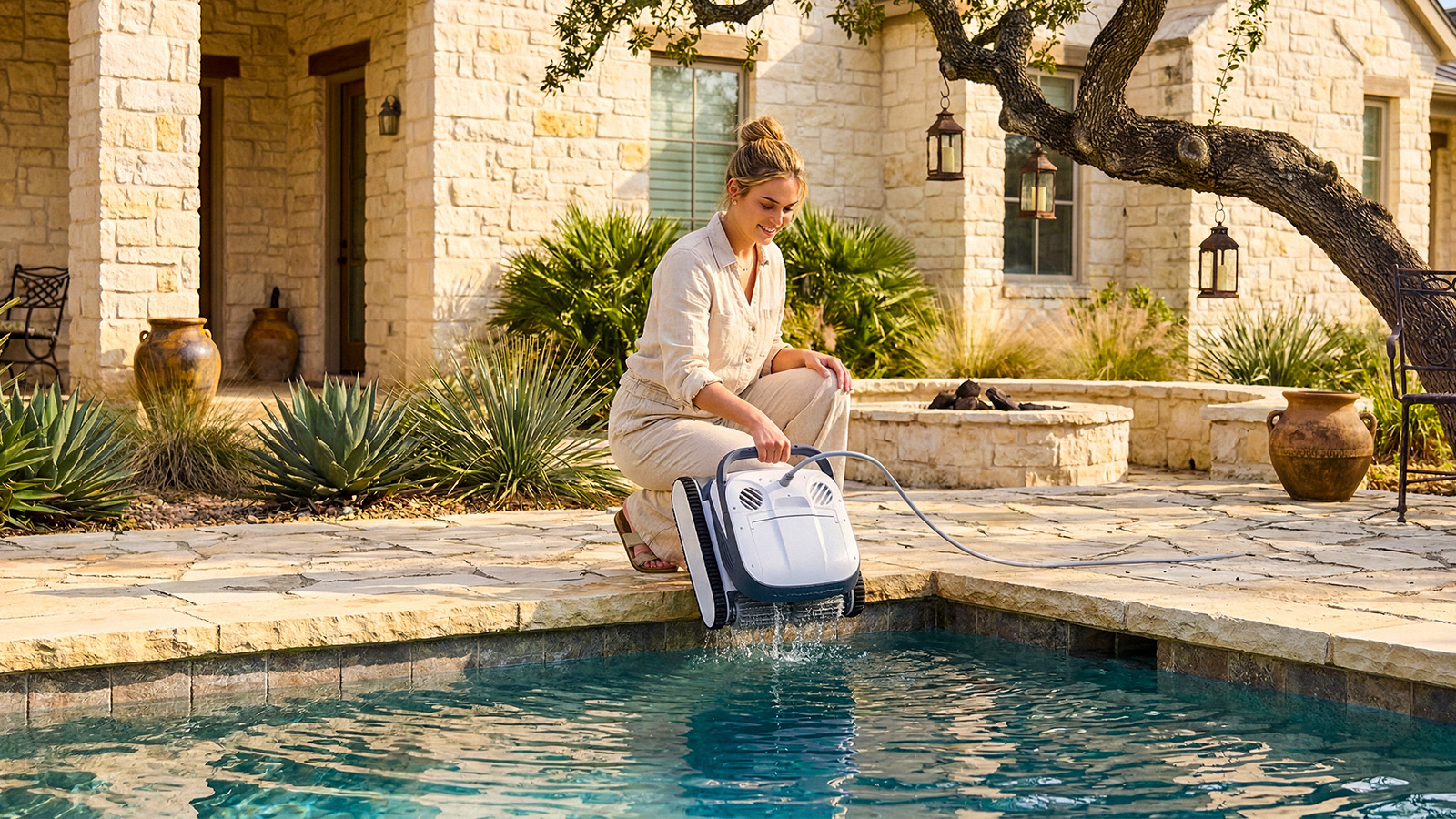
Press Pick-Up on the control box or in the app. The robot drives to the nearest wall and climbs to the waterline. Wait for it to hold position, then lift it out by the handle.
Get the app.
Free for iOS and Android. Pair your Clear robot in under a minute.