
FAQ
30+ owner questions,
answered.
Setup, daily use, filter care, the UV-C lamp, the app, and common fixes — the questions actual owners ask in the first month.
01 — Basics
Getting started
Most owners are up and running in under 15 minutes.
How do I set up my pool robot for the first time?
It’s quick:
- Place the control box at least 10 ft from the pool on dry ground.
- Fully uncoil the cable — this prevents tangling later.
- Submerge the robot and let all air bubbles escape.
- Plug into a GFCI outlet.
- Press Start.
Most people are up and running in under 15 minutes.
Why won’t my robot start?
It’s almost always one of these:
- Not fully submerged (air still inside)
- Loose cable connection
- Outlet has no power
- GFCI outlet tripped
Can I swim while the robot is running?
No — keep the pool clear while it’s operating.
02 — Daily use
Daily use
What to expect during a normal cleaning cycle.
What does the robot clean?
Both models clean:
- Pool floor
- Walls
- Waterline
They may pause, reverse, or repeat areas — that’s normal navigation behavior.
Why does my robot move randomly or repeat areas?
That’s normal. The robot may pause, reverse, repeat sections, or change direction — it’s part of the navigation system using onboard accelerometer and gyroscope sensors. Most owners notice better efficiency after a few cycles.
How often should I run it?
- Light debris: 2–3 times per week
- Heavy debris (leaves, pollen): daily
Use the weekly timer in the app to automate cleaning.
03 — Performance
Cleaning performance
If something feels off, it’s usually one of these.
Why is suction getting weaker?
Most common reason: the filter is dirty. Even if it doesn’t look full, fine debris like dust and pollen can clog it.
Why isn’t it climbing walls well?
Check these first:
- Filter basket needs cleaning
- Water balance is off
- Algae or buildup on walls
- Pump intake or impeller is blocked
Why does it miss parts of my pool?
Usually one of these:
- Cable not fully stretched out
- Control box not centered along the pool
- Obstacles in the pool
04 — Cable
Cable & handling
Simple habits that prevent most everyday issues.
How do I prevent cable tangling?
- Fully uncoil before every use
- Let it lay naturally across the water
- Avoid tight storage coils
If it’s already twisted: lay it flat in the sun for several hours to reset it.
Can I pull it out by the cable?
No — always use the handle. Pulling the cable can damage internal wiring.
What’s the easiest way to remove it from the pool?
Use Pick-Up Mode:
- Press the button on the control box or app
- The robot climbs to the wall
- Lift it out by the handle
05 — Maintenance
Filter & maintenance
30 seconds of care for a much better clean.
How do I clean the filter?
- Open the top lid
- Remove the basket
- Rinse with a hose
That’s it — takes about 30 seconds.
How often should I replace filters?
Every 3–6 months, depending on usage and debris levels.
Can I use it right after adding pool chemicals?
No — wait until the water clears. Certain products (like flocculants or clarifiers) can clog filters.
06 — Clear UV
Clear UV model
Everything specific to the integrated UV-C feature.
What’s different about the Clear UV model?
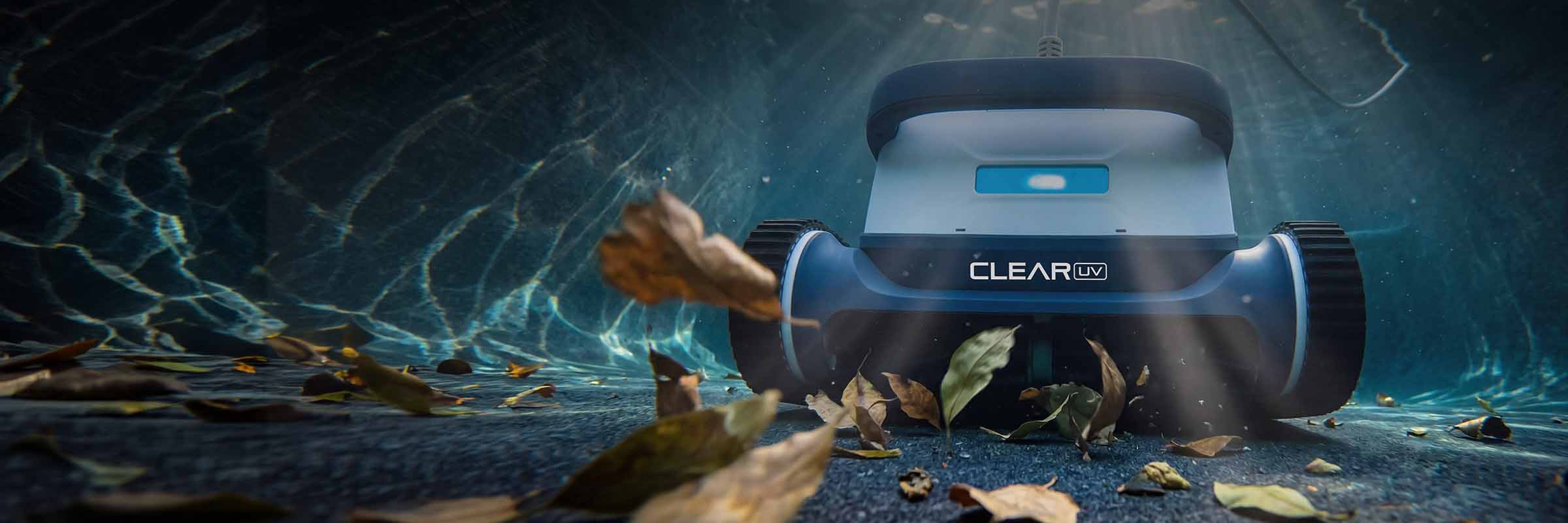
Clear UV has a patented UV-C lamp built inside the robot's body. As the pump cycles water through the cleaner, water passes the lamp and gets disinfected on contact — the only pool robot that does this. Clear S has the same cleaning hardware but no UV-C lamp.
How do I turn the UV feature on?
In the app:
- Tap the UV icon
- Confirm the safety prompt
- It will run during the cleaning cycle
When does the UV feature turn off?
It turns off automatically when:
- The cleaning cycle ends
- The robot stops
- A safety condition is detected
Are there any safety precautions with the UV feature?
Yes — important ones:
- Only use when the robot is fully underwater
- Never look directly at the light
- Don’t handle the robot while it’s active
- Keep people out of the pool during use
Can the UV light be replaced?
Yes — the UV-C lamp can be swapped out and changed. When it reaches the end of its service life, it’s designed to be removed and replaced with a new lamp so your Clear UV keeps disinfecting at full strength.
07 — App
App & connectivity
The control box covers basics. The app adds power.
Do I need the app to use the robot?
No — you can use the control box for basic cleaning. The app adds:
- Scheduling
- Remote steering
- Mode selection
Why won’t my robot connect to the app?
Try this:
- Turn on Bluetooth and Wi-Fi
- Stay close to the robot
- Restart the app
- Make sure the robot isn’t already paired to another account
08 — Fixes
Common issues
Three quick diagnoses that solve most calls.
The outlet keeps tripping
Usually not the robot. Try:
- A different outlet
- Testing with another device
- Checking for moisture in outdoor outlets
The robot flips or struggles to move
Often caused by:
- Full filter basket
- Heavy debris load
Clean the basket and restart.
It gets stuck on the drain
This can happen in some pools.
Solution: contact support for a drain attachment.
09 — Storage
Storage & care
Small habits that add years to the robot.
How should I store it?
- Clean and dry it first
- Loosely coil the cable
- Keep it in a shaded, dry area
Can I leave it in the pool all the time?
Yes for short periods — but for long-term care, remove and store it properly.
Quick tips most owners miss
Four habits, big results.
-
01
Always fully submerge before starting.
-
02
Rinse the filter more often than you think.
-
03
Keep the cable straight — it solves most issues.
-
04
Don’t overthink movement patterns — it’s normal.
10 — Still need help