
Connect
Pair in under
a minute.
Turn on Bluetooth and Wi-Fi. Then follow three simple steps in the Clear app.
Pair once.
Take control.
Once your robot is paired to your account, you can start cycles, schedule the week, check status, and use manual control from the Clear app. Pairing takes under a minute.
Three steps. Then you’re connected.
Enable Bluetooth and Wi-Fi, then let the Clear app guide you.
1. Download the Clear app
Download the free app from the App Store or Google Play, then create or sign in to your owner account.
2. Tap "To Connect" in the app
With Bluetooth and Wi-Fi turned on, choose your model and let the app search for your robot.
3. Connect to your Wi-Fi
Confirm your home network and password in the app to finish pairing.
Status in your pocket.
Pick-Up at the wall.
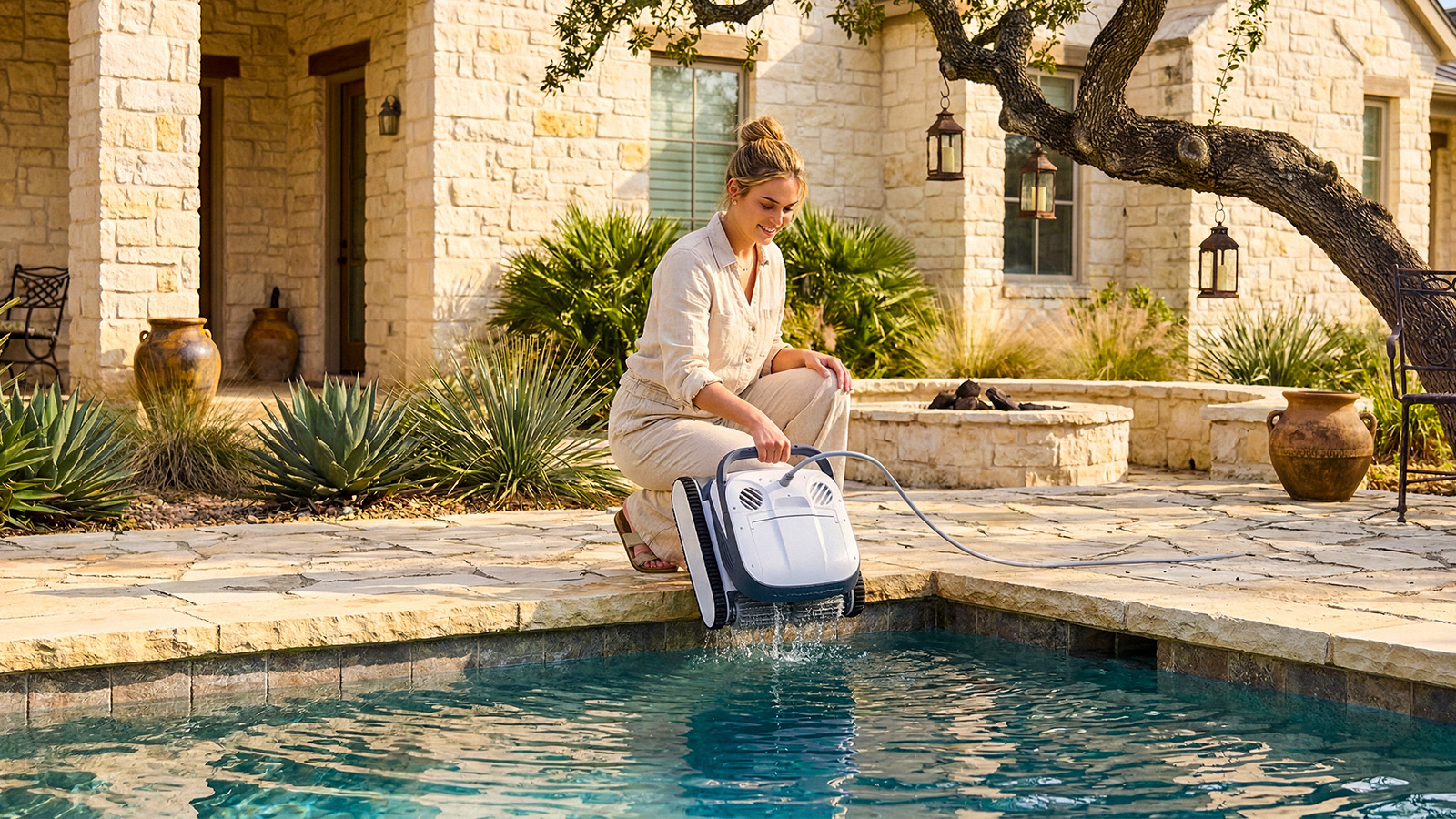
See connection status and live water temperature. Tap Pick-Up and the robot drives to the nearest wall, climbs to the waterline, and waits for you to lift it out by the handle.
Get pairing helpDon't have a Clear yet?
Clear UV includes a built-in UV-C light. Clear S has the same cleaning hardware without it.